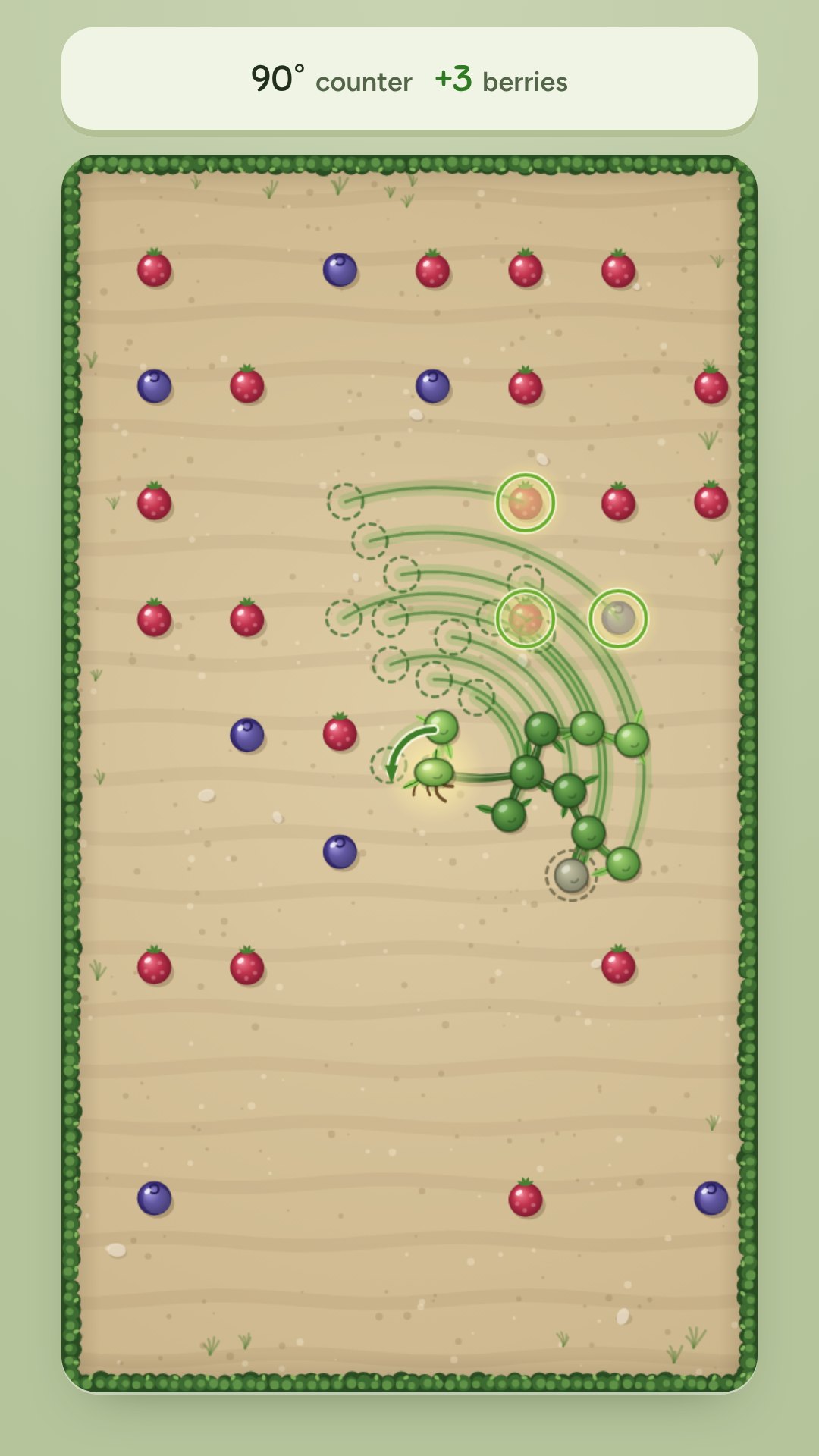
Touch a knot of the vine and drag sideways to swing everything attached to it. Berries you sweep through join the vine and keep swinging, so one good swing can set off a cascade. Branches that touch the hedge get pruned. A preview shows exactly what each swing will do before you let go. Clear ten garden beds, from 8 berries to 63, in as few moves as you can.
10 garden beds · Par-based stars · Saved progress
Touch a vine knot with one finger or the mouse and drag sideways. Right swings clockwise, left counterclockwise, from 30° to 90°.
While you drag, the preview shows every knot's path, the berries you will catch and any branch the hedge will prune. Let go to swing.
Caught berries become new knots and keep swinging in the same move.
You cannot swing around the same knot twice in a row; that knot is shown dashed.
A branch that touches the hedge is cut off with everything beyond it. Clear the bed within par for three stars; each cleared bed opens the next.
Stars, best scores, opened beds and settings stay in this browser on this device. They do not sync between devices, and clearing site data removes them.
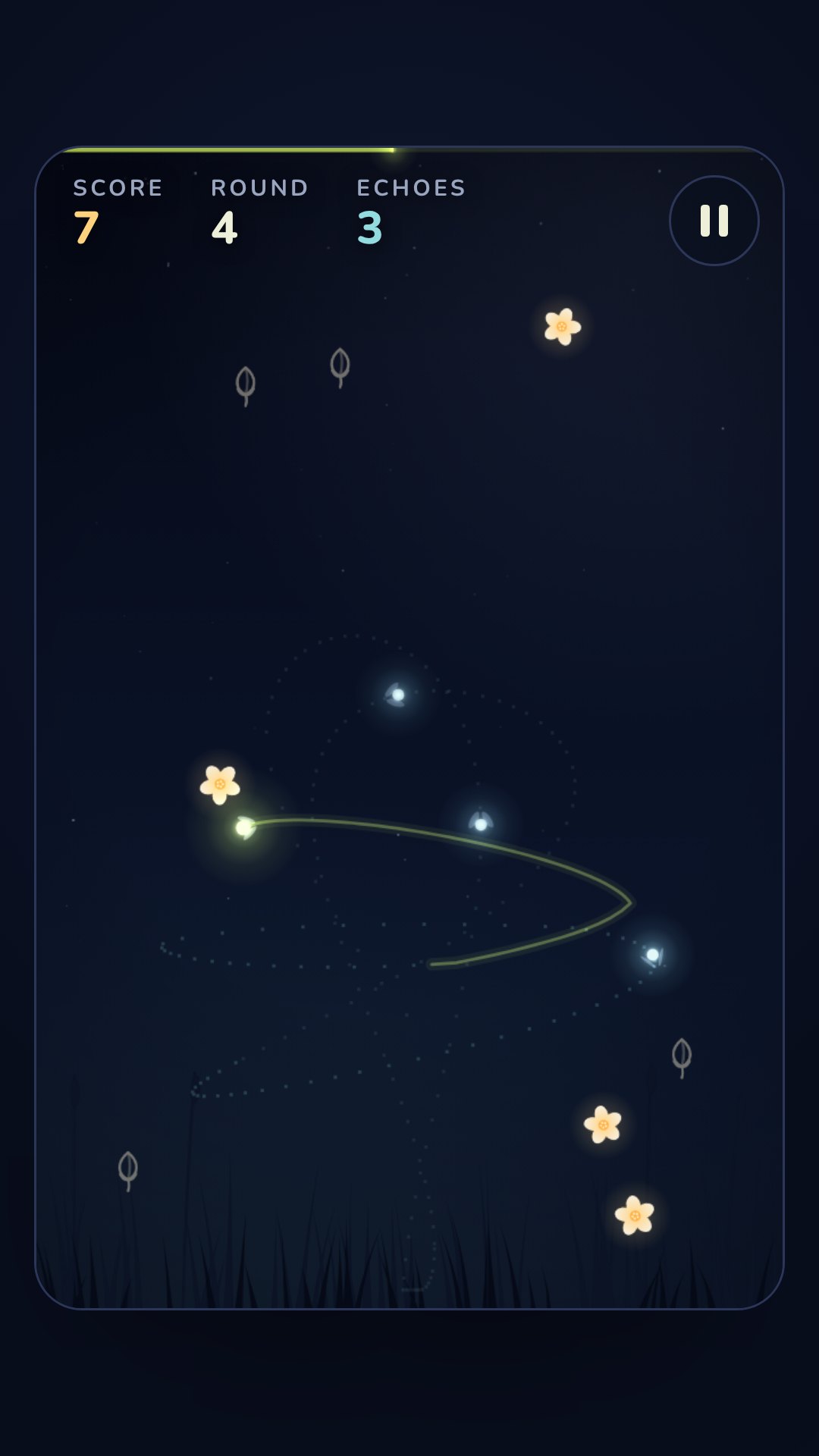
Fly a firefly through a night meadow, five seconds at a time. When each round ends, your path becomes an echo firefly that flies it again every round, gathering nectar for you at double points. Touch any echo and the run is over. Fly through closed buds to set up what your future echoes will gather; an echo that gathers nothing soon fades away.
Endless runs · 5-second rounds · Best score saved
Drag anywhere with one finger or the mouse; the firefly moves with your drag. Arrow keys also work.
Each round lasts five seconds. Your path then becomes an echo that repeats it every round.
Echoes gather nectar for you at double points, but touching one ends the run. They are harmless for the first half-second of each round.
Closed buds show the next round's nectar. Fly through them to set up your echoes. An echo that gathers nothing for two rounds fades away.
Each nectar is worth 1 point plus 1 for every echo still flying.
Your best score and settings stay in this browser on this device. They do not sync between devices, and clearing site data removes them.
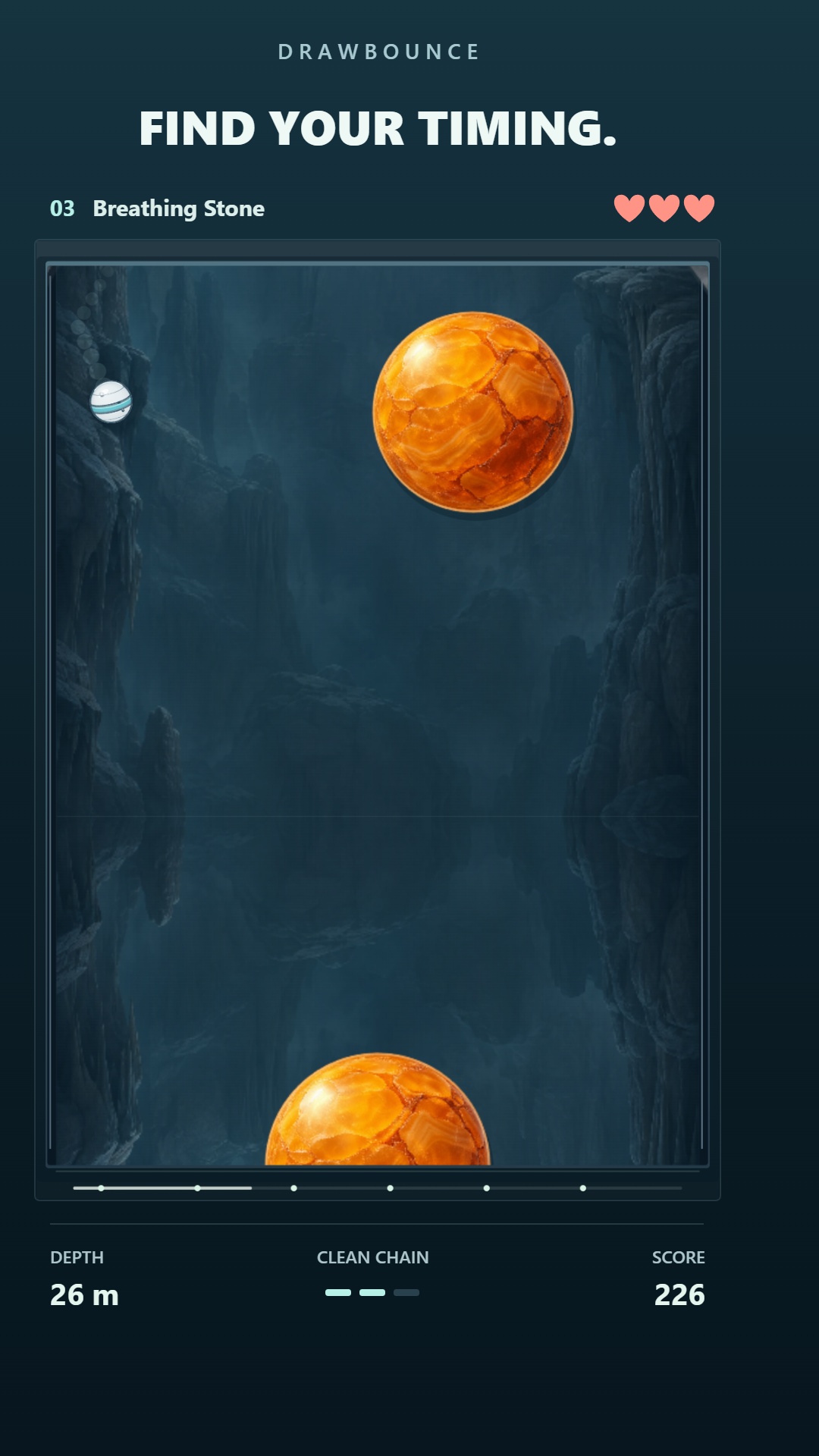
Draw a spring below the ball, release it and use the angle to guide your rebound. Time slows while you draw, giving you a moment to plan the next bounce. Explore 16 connected levels across 2,150 metres of continuous descent. Avoid orange obstacles, build clean chains and unlock new starting points as you reach each level.
Draw a line below the ball with your mouse or one finger. Release to place a spring; its angle changes your rebound.
Time slows while drawing. Each spring bounces once.
Orange obstacles cost a heart; walls and neutral stone are safe. Three clean passes restore a heart, or give bonus points at full health.
Start at Level 1 and unlock later starting points by reaching them. Use Pause → Save & exit to keep the current descent.
Records, unlocked levels, settings and saved descents stay in this browser on this device. Use Pause → Save & exit to save a run. Saves do not sync between devices or transfer automatically from localhost; clearing site data can remove them.
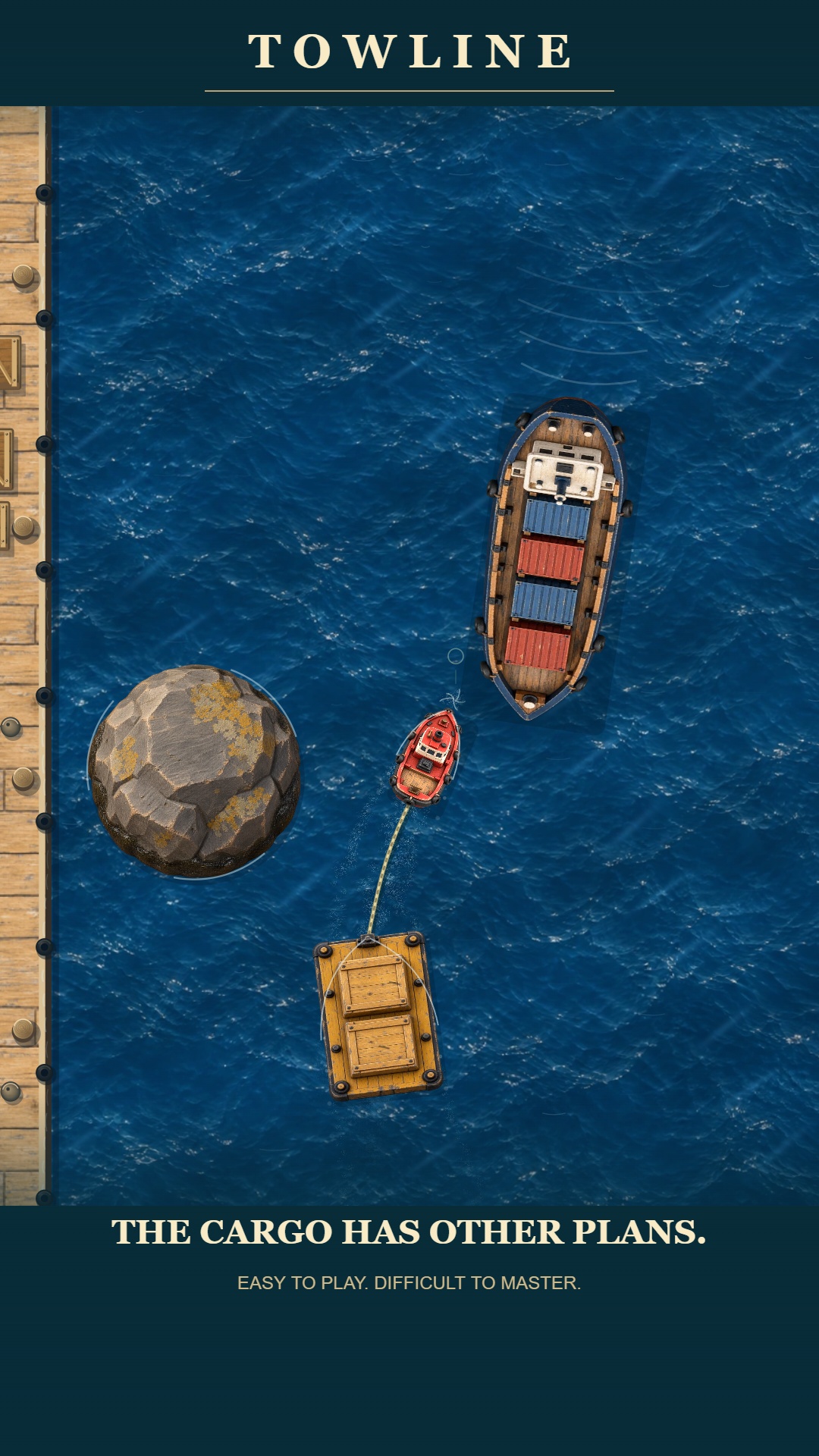
Guide a small tug and its trailing cargo through 13 connected levels. Read the water, judge the gaps and steer early to bring the whole tow through intact. Forward movement is automatic; every turn changes the path your cargo follows. Play the journey or revisit any level from the level selection.
13 connected levels · Touch and keyboard controls · Local progress
Move the mouse, drag left or right on touch, or use A / D or the left and right arrow keys to steer.
Forward movement is automatic. Steer early and leave room for the cargo following your tug.
Press P or Escape to pause, R to retry, and M to toggle sound. Settings includes touch sensitivity and audio levels.
Choose New Game to begin, Continue to resume saved progress, or select one of the 13 levels.
Progress and settings save locally in this browser on this device. Saves do not sync between devices; localhost saves do not transfer to the public site, and clearing site data can remove them.
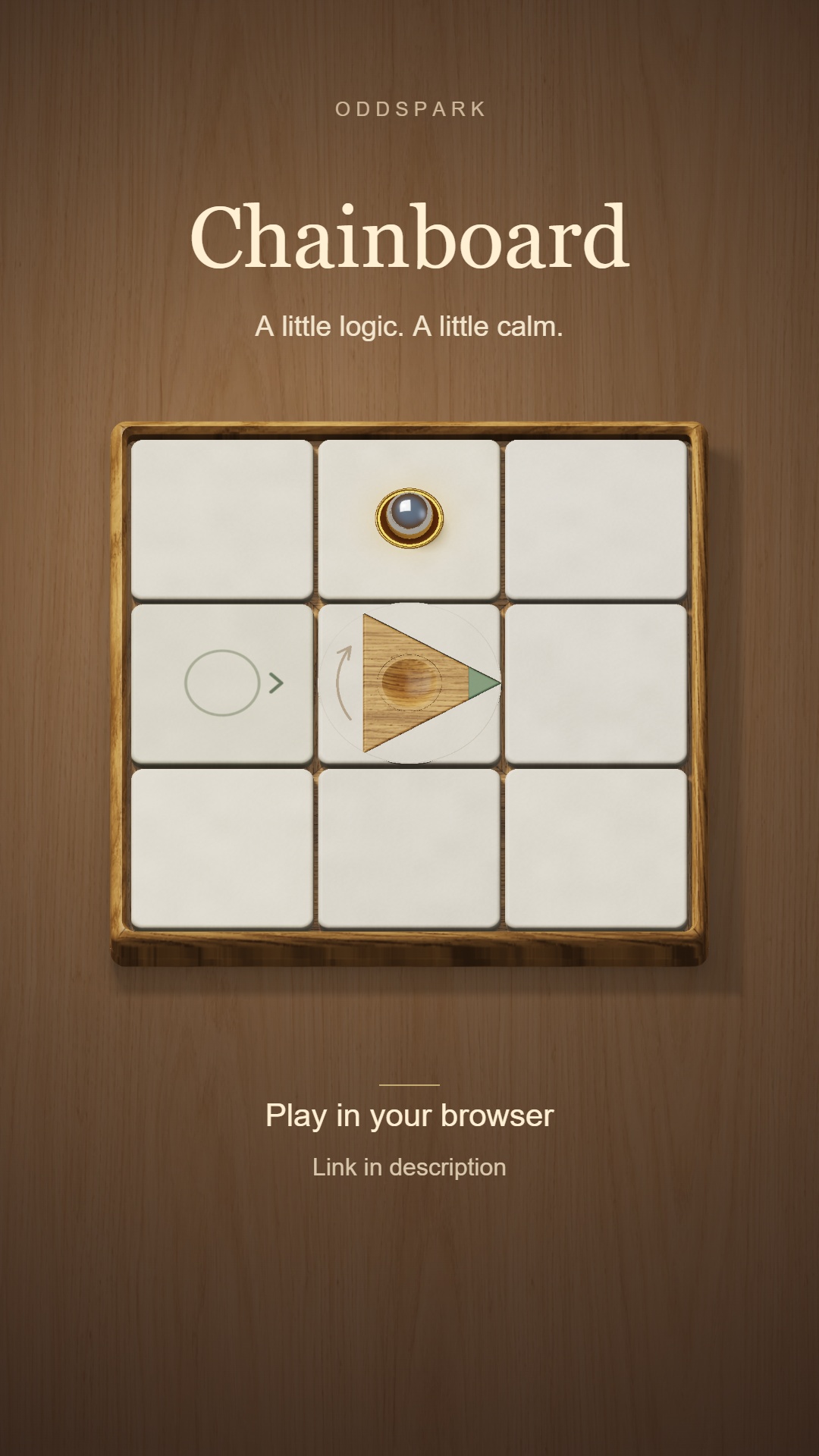
Explore 36 handcrafted mechanical puzzles on a warm wooden board. Aim the triangles before releasing the ball, then discover how springs, magnets and rotating pieces change its route. Start with gentle introductions and work toward satisfying chains of small surprises, with visual hints, undo and optional step-by-step motion.
Tap or click the wooden pieces to change their starting directions, then press Play to release the ball.
Guide the ball to its destination. Watch how springs, magnets and rotating pieces affect the route.
Use Undo, Reset and the lightbulb hints to experiment. Step-by-step motion lets you follow the route at your own pace.
Begin or Continue from the title screen. Open the puzzle collection to revisit unlocked puzzles.
Progress, puzzle setups and sound settings save locally in this browser. Existing Chainboard playtest saves on www.playoddspark.com carry over. Saves do not sync between devices; clearing site data can remove them.
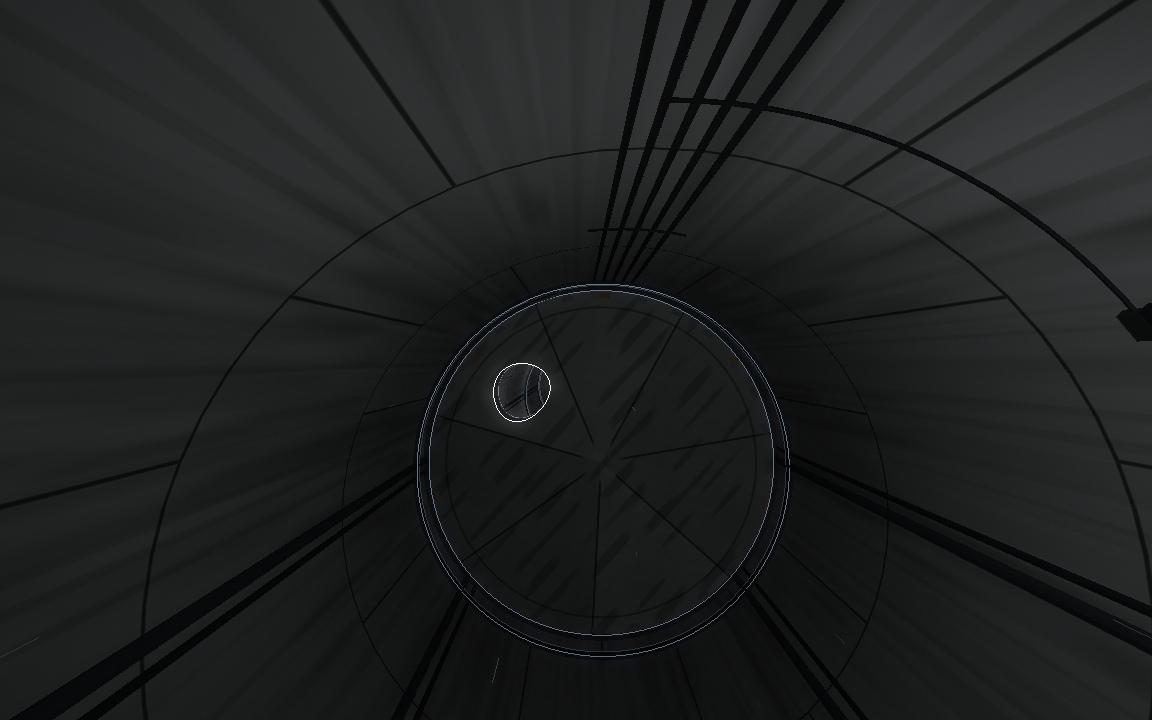
A quiet underground passage becomes a demanding flight through shifting openings, poisonous gas, rising water and live machinery. Learn to predict rotating walls, keep your bearings through full rolls and discover the world beyond the tunnel. APERTURE is a complete ten-chapter journey with checkpoint retries and no download required.
10 chapters · 45,400 metres · Saved checkpoints
Move the mouse, use WASD or arrow keys, or drag on a touch screen to steer.
Find the clear opening. White smoke is harmless; green gas is poison.
Escape or a two-finger touch pauses. M toggles sound. Headphones recommended.
Choose Start a new Game to begin Chapter 1 and replace any saved progress. Continue the Journey resumes your saved checkpoint or paused flight and is unavailable until you have progress. Chapters are played in order. After a collision, click to retry the latest checkpoint.
Checkpoints and sound settings save locally in this browser. Saves do not sync between devices; private browsing or clearing site data can remove them. Designed for desktop, with touch controls supported.
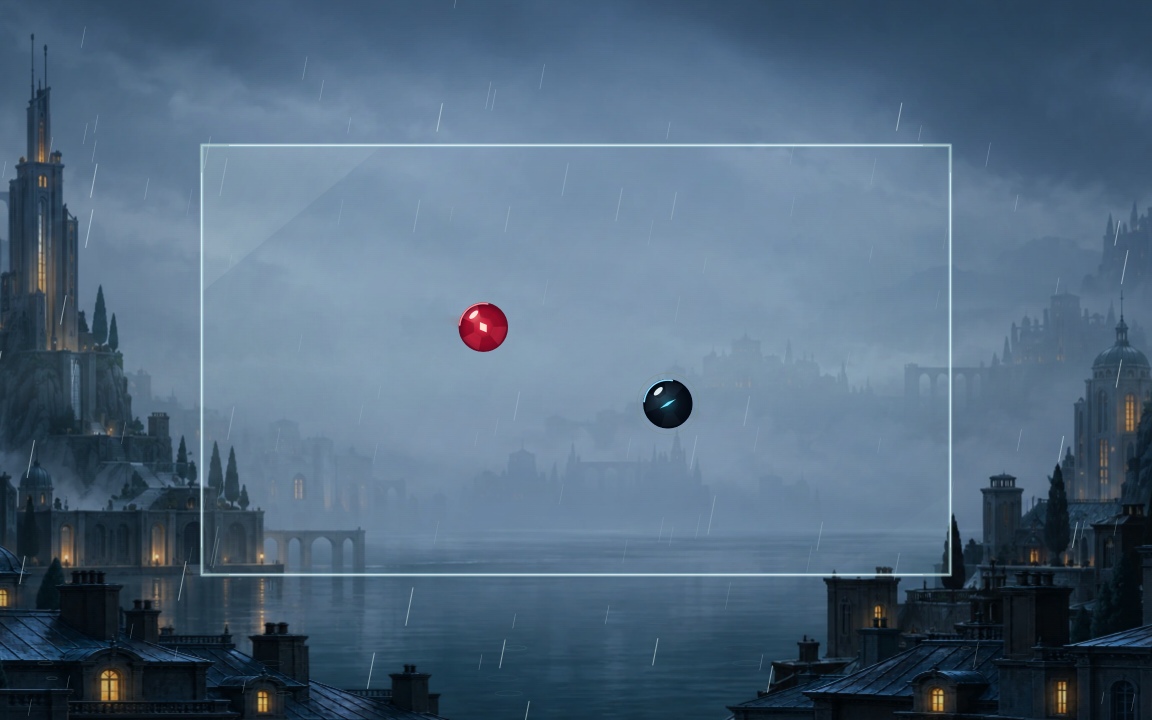
Time your pulse just before contact to send a dark glass sphere through a journey of five atmospheric worlds. Build momentum, break out of ordinary chambers and face a strange guardian at the end of each chapter. A short visual introduction helps you find the first beat; each victory opens the next world. Complete the journey to unlock Endless Circuit.
Five worlds · Five guardians · Unlockable Endless Circuit
Hold Space, the left mouse button, or touch just before contact, then release.
Pulse at a wall for a speed boost.
Escape or P pauses; R retries the current chamber or boss; M mutes.
Begin Journey introduces the controls visually. Settings includes volume, gentle effects and optional practice.
Chapter unlocks, journey checkpoints and settings save in this browser on this device. Saves do not sync between devices; private browsing or clearing site data can remove them.
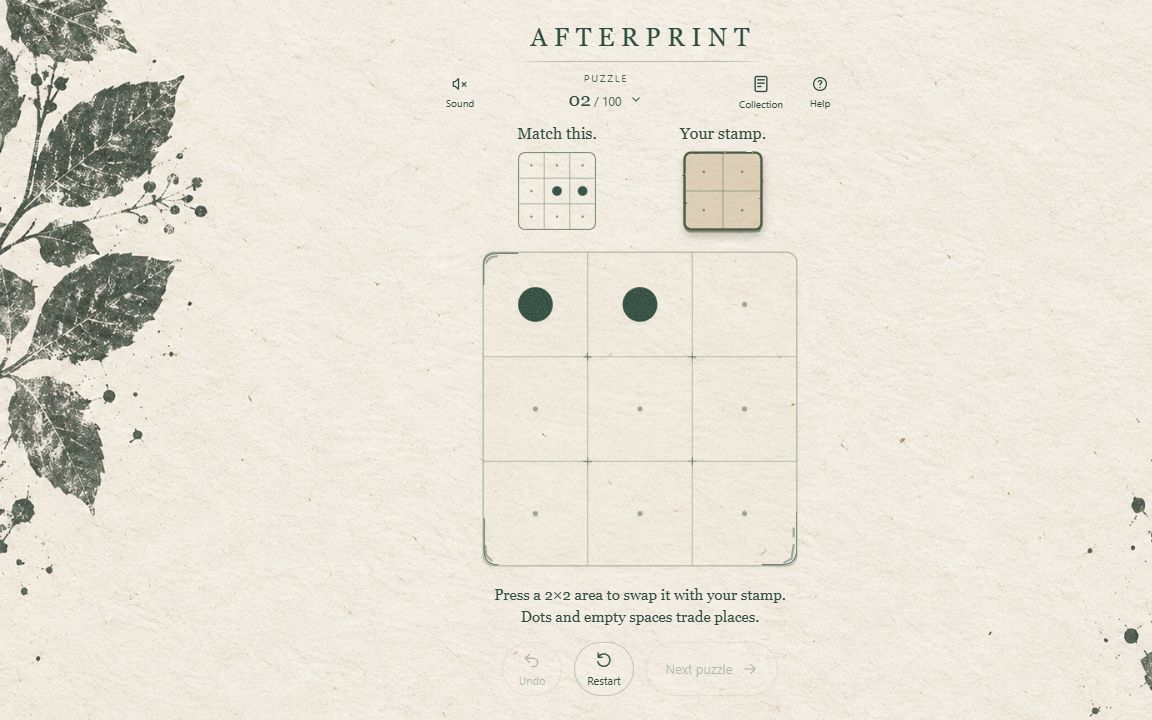
Make a nine-cell board match its target by exchanging a 2×2 area with your stamp. Dots and empty spaces trade places, so every move changes what you carry. Explore 100 distinct puzzles with gentle progression, unlimited Undo and Restart, and no timer. Begin with warm ink and earn print seals to grow a collection of eight tactile materials and their matching ambient music, including paper, glass, linen and moonlit stone.
100 puzzles · Nine-cell boards · Eight material skins
Hold a 2×2 area with your mouse or finger, slide to choose, then release to swap it with your stamp. Release outside the board to cancel.
Dots and empty spaces trade places. Only the board needs to match the target; leftover dots in the stamp are fine.
Keyboard: arrow keys choose an area; Enter or Space swaps; Z undoes; R restarts.
Complete each puzzle to unlock the next. Undo and Restart are unlimited. Open Collection to choose an earned material and Sound to adjust music and effects.
Completed puzzles, earned materials, music choices and sound settings save in this browser on this device. An unfinished puzzle resets on reload. Saves do not sync between devices; private browsing or clearing site data can remove them.
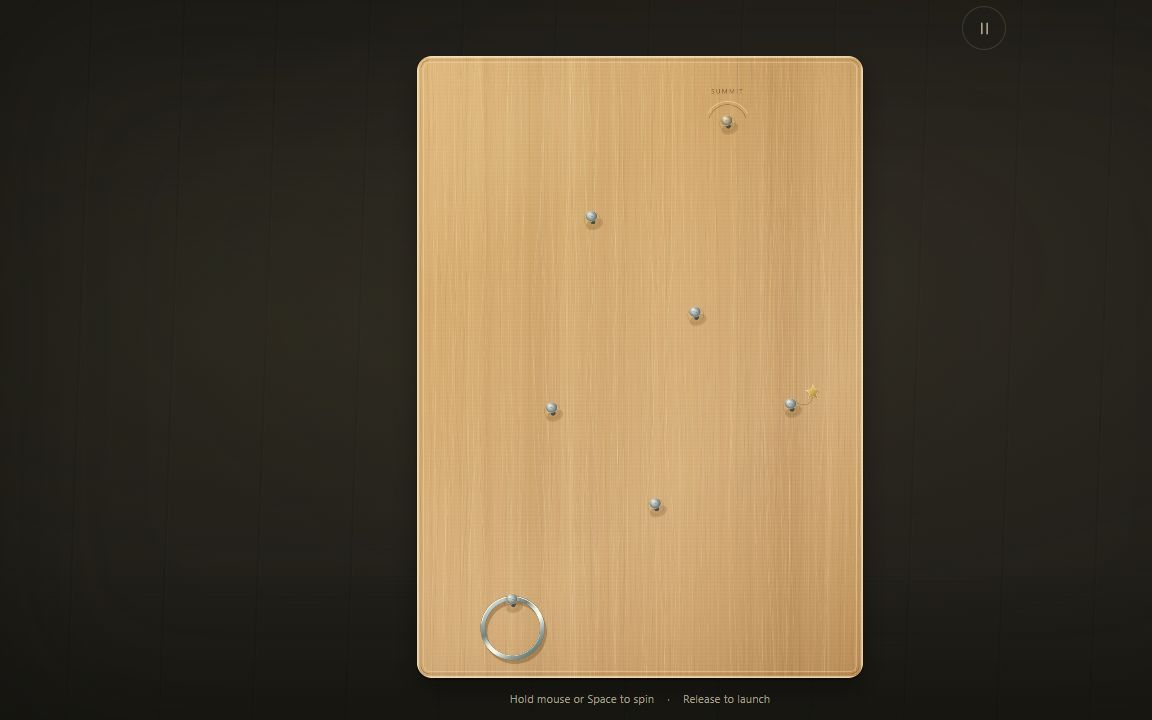
Climb a wooden workshop board with one simple action: hold to spin the ring, then release at the right moment to launch toward the next nail. Explore 35 climbs across eight chapters, including optional challenges, moving nails and taller boards. Challenge gives you limited retries with more to earn as you climb; Relaxed lets you keep trying. Take optional charm routes and unlock new woods and ring finishes along the way.
35 climbs across eight chapters · Challenge and Relaxed modes
Hold the board with your mouse or finger, or hold Space, to spin the ring. Release to launch upward.
Time each launch to catch the next nail. A secured catch on a permanent nail becomes your recovery point.
Choose Challenge for limited retries that you can replenish while climbing, or Relaxed for unlimited retries.
Use Pause for restart, board selection, appearance and sound settings. Keyboard: Escape pauses; R restarts.
Completed climbs, records, banked charms, unlocks and settings save in this browser on this device. Your unfinished climb does not resume after a reload. Saves do not sync between devices; private browsing or clearing site data can remove them.
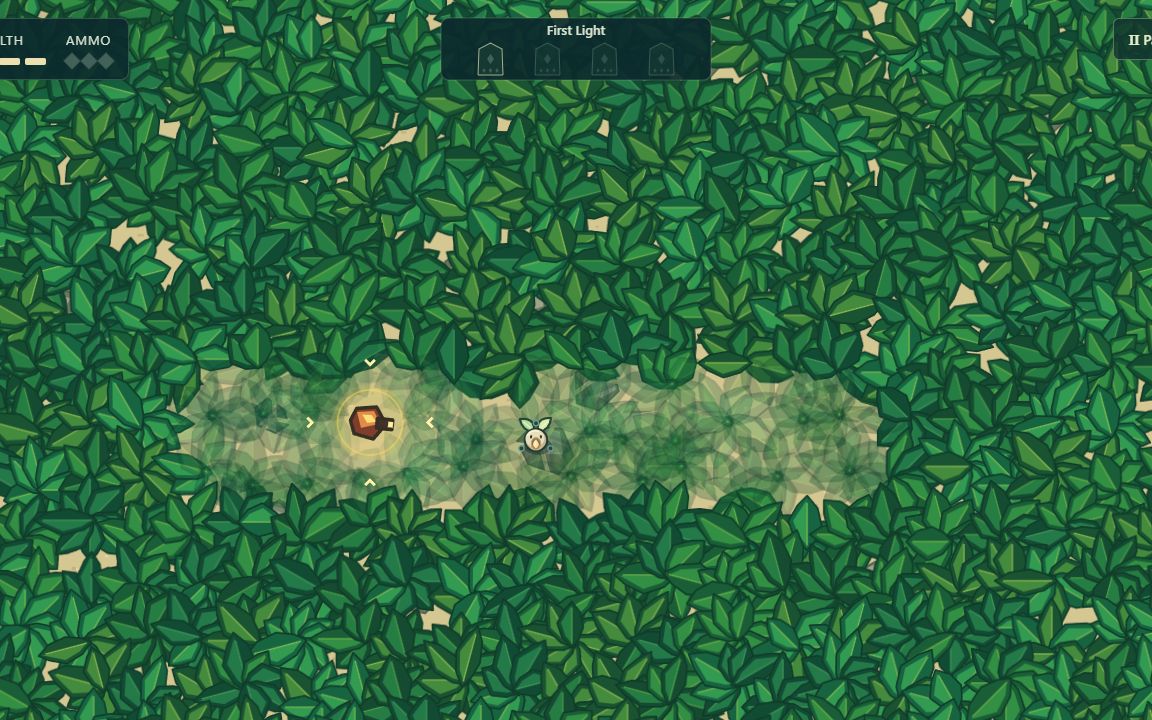
Paint and excavate the forest to make temporary shelter. Catch enemy bullets as ammunition, then aim a counterattack: successful kills renew your open trenches. Dodge grenades, adapt to faster and armored enemies, and choose from three power-ups as you restore twelve groves across four gates before facing the Warden. Hands-on training introduces each move, and saved root checkpoints let you continue your journey.
Twelve groves, four gates, one Warden finale
Desktop browser and a mouse with left and right buttons are required. Choose Play for hands-on training, or Continue journey to resume.
Move the mouse to guide the guardian. Hold the left button to paint exposed leaves, then click the right button to excavate.
Inside a trench, click the left button as a bullet reaches your shield to catch it.
Hold the right button to aim your counterattack; release it to fire.
Press Escape to pause. Settings include separate music and effects volumes, reduced shake, and reduced flashes.
Progress saves at each restored root in this browser. Closing during a grove returns you to its beginning. Saves do not sync between devices; private browsing or clearing site data can remove them.
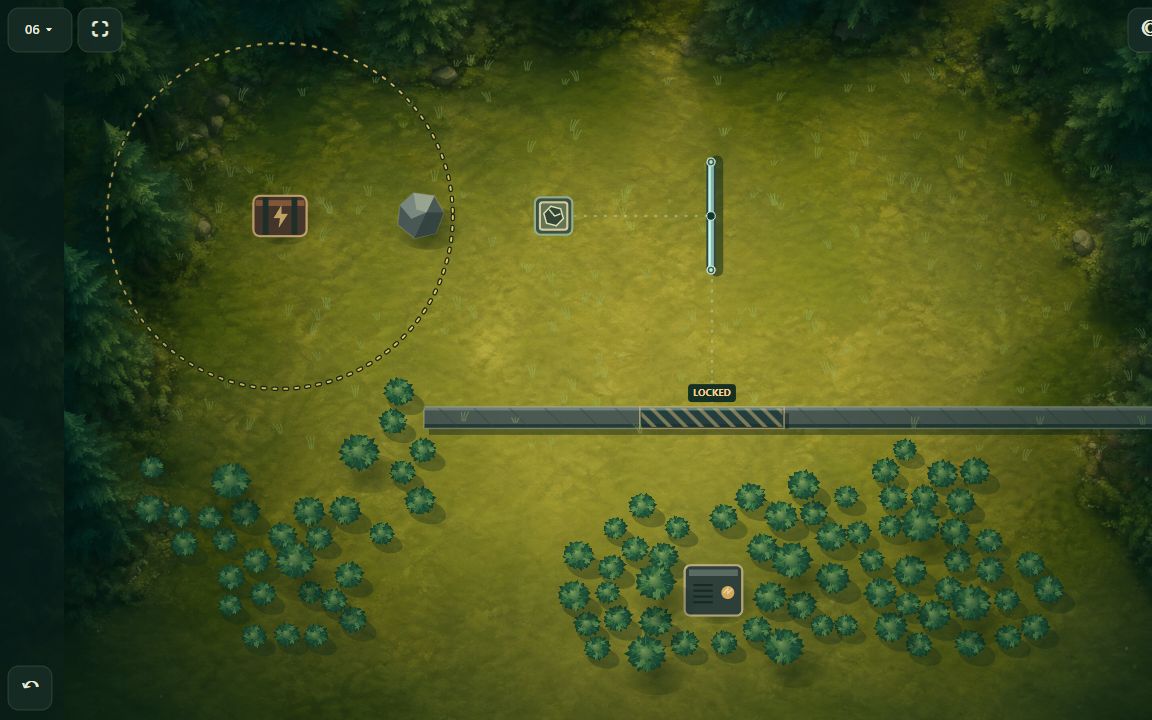
Build clever demolition setups across 24 levels. Place boulders, reflectors and delay pads, then set off the charge and watch your plan unfold in a chain of impacts.
24 demolition puzzles
Tap an equipment icon, then tap the board to place it. You can also drag equipment into place.
Tap a placed piece to reveal its rotation or delay controls. Tap the selected equipment icon again to cancel placement.
Tap the charge itself to detonate and watch the chain reaction.
Landscape is recommended. Pinch or use the mouse wheel to zoom; drag empty ground to pan.
Keyboard: 1–3 select equipment, arrow keys position it, Enter places it, Q/E rotate, and Space detonates. H opens the guide.
Your progress, constructions and settings save in this browser on this device. Existing Demolition Expert saves on www.playoddspark.com carry over. Saves do not sync between devices; clearing site data removes them.
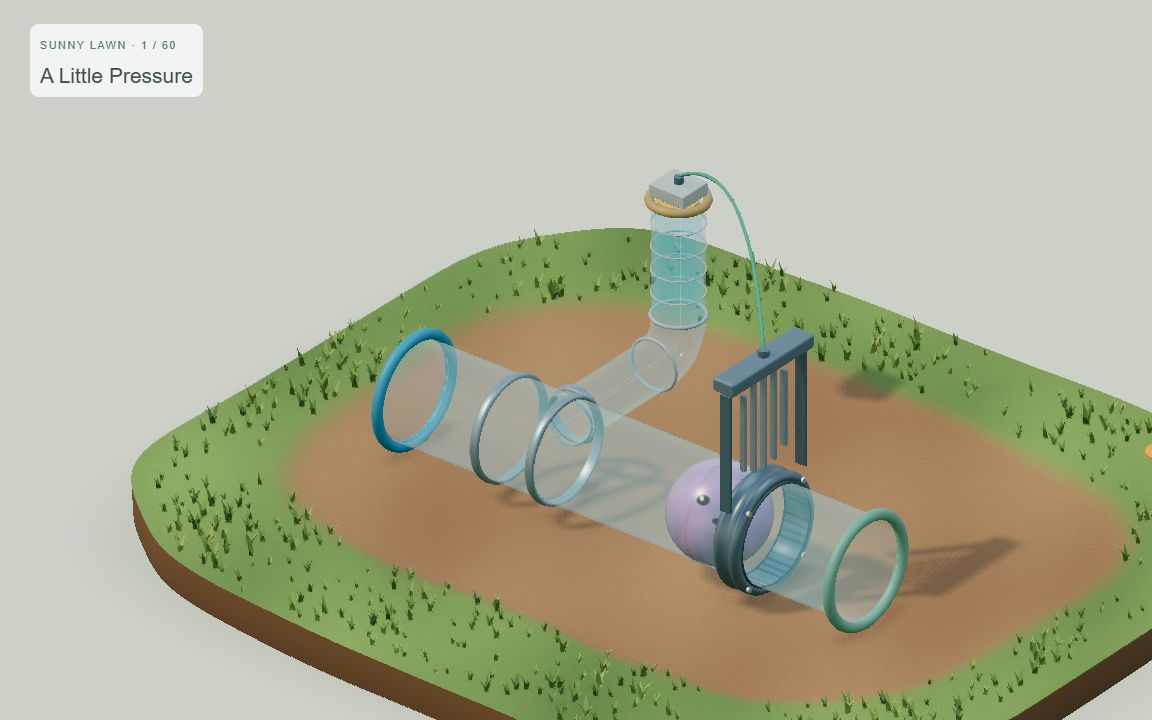
Guide lavender Muru through transparent pipes and connected water machines. Tap him to expand and hold back the current, watch water lift floats and open gates, then shrink to continue. Discover how valves, shared supplies and stored water connect different parts of a puzzle across 60 levels and ten quiet gardens. There are no timers or scores: take your time, follow the water, and enjoy each small discovery.
60 relaxing puzzles across ten gardens
Tap or click Muru to expand or shrink.
Tap valve wheels and routing levers to change the water's path.
Touch: drag with one finger to rotate; pinch to zoom; drag with two fingers to pan.
Mouse: drag to rotate; scroll to zoom; right-drag to pan.
Keyboard: Space toggles Muru; R restarts; arrow keys rotate. Tab reaches object controls.
Progress and audio settings save in this browser. Saves do not sync across devices; clearing site data removes them. A reloaded puzzle starts from its beginning.
Made with curiosity.
OddSpark is my home for the games I make. It’s a place to follow curious ideas as they become games you can play in your browser.
FROM MY WORKBENCH
Follow the next spark.
New games, little discoveries and a look at what I’m making. Follow along wherever you like.
 NEWESTPlay now